Set a type and action strategy
The new-card screen includes fields for type, content and action strategy.
PRODUCTIVITY / PLANNING

A strategy and planning app organizing ideas, goals and tasks as cards.
Mote · iOS · v1.0 · Released
CAPTURE. PLAN. DO.
01 / USE
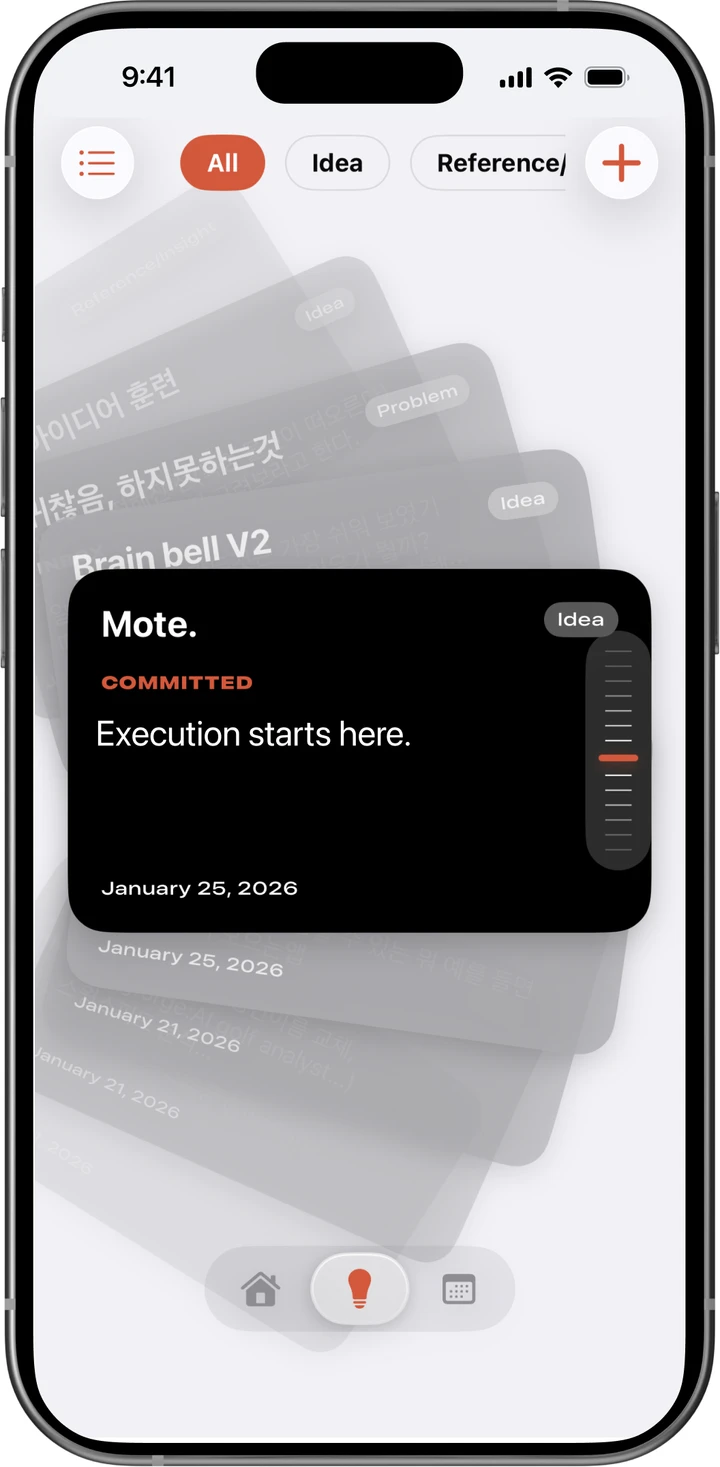
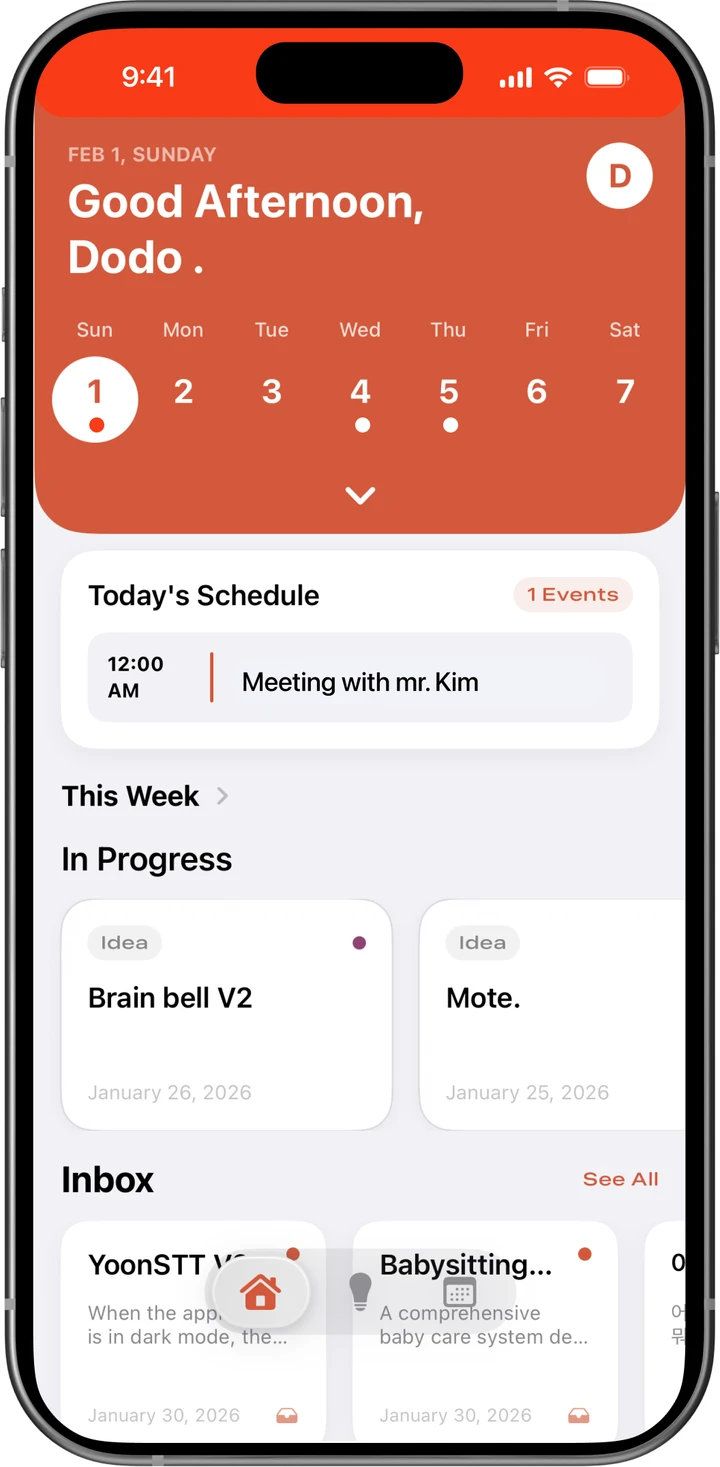
Four screens cover the card collection, today’s plan, creating a card and reviewing the calendar.
The new-card screen includes fields for type, content and action strategy.
The Today screen shows cards in progress; the calendar shows scheduled items by date.
02 / INTERFACE
Four views for collecting ideas, planning the day and scheduling the next action. Select a screen to enlarge it.
Interface designs from the original Figma file.
A visual cooking timer tailored to pasta shapes and preferred texture.